How to Attach the Whoop Adapter
Two steps. No tools. Under 30 seconds.
Shop the adapter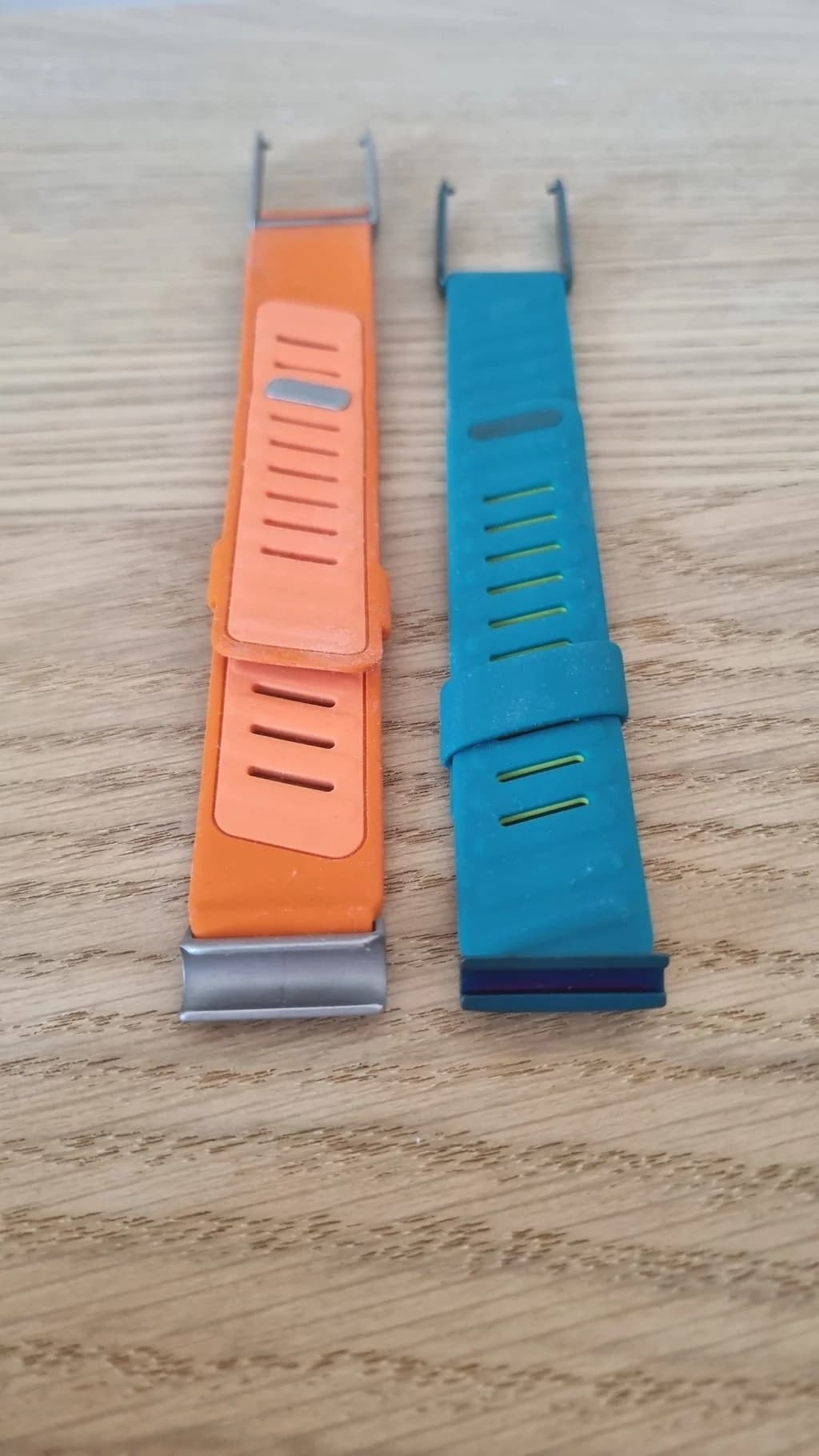
Align the WHOOP 4.0 Adapter on the 5.0/MG Track
Center the adapter with the band and hold it horizontally. It should be level and aligned with the slot, not tilted. Take a moment to check alignment before applying pressure.
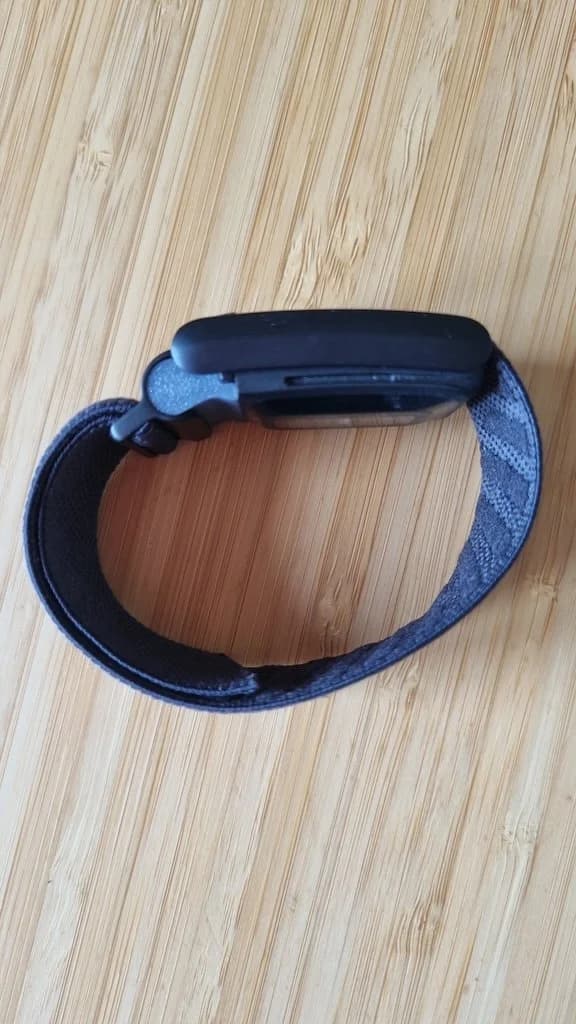
Click In the WHOOP 4.0 Band Adapter
Apply firm, even pressure until you hear it click into place.
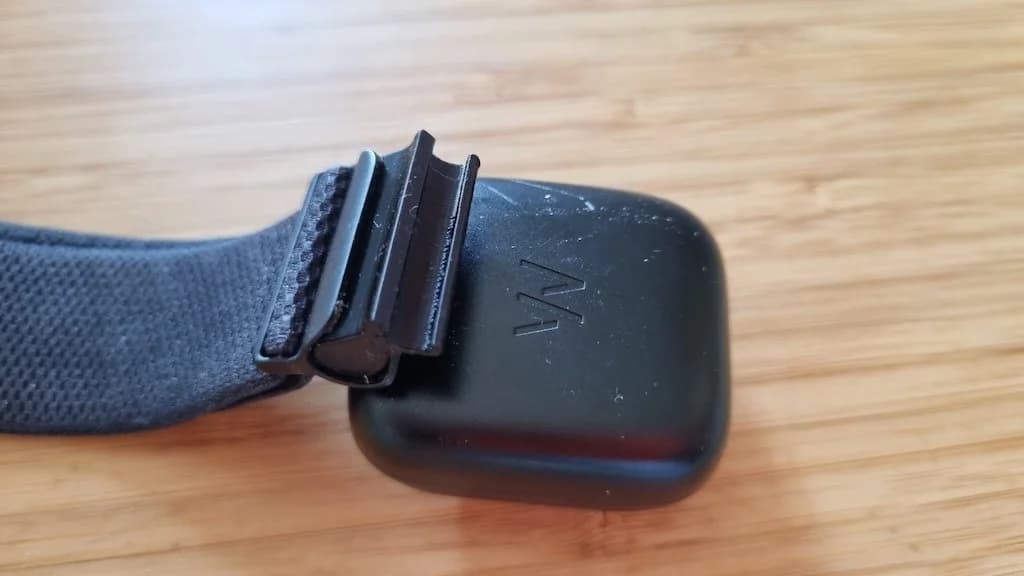
Snap your band onto the adapter
Press your WHOOP 4.0 band into the adapter slot until it clicks. The same retention catches that locked it to the 4.0 sensor work on the adapter. Your old band is now wearing the new sensor.
Not sure which bands work? See the full WHOOP band compatibility guide
That's it. Under 30 seconds, no tools.
Shop All Colors & Models€10 worldwide tracked shipping · 30-day return policy
Already installed? See how your WHOOP recovery ranks on the leaderboard.
Frequently asked questions
01Do WHOOP 4.0 bands fit the WHOOP 5.0 or MG?
02How long does the install take?
03What if the adapter doesn't click in?
04Can I use the adapter in the pool or shower?
05Will the adapter affect my WHOOP heart rate or sensor accuracy?
06Is the adapter compatible with WHOOP MG?
07Will installing the adapter damage my WHOOP or void my warranty?
08Can I switch band styles after installing the adapter?
Not an official WHOOP product. WHOOP is a trademark of Whoop, Inc.